Businesses need to have an accurate method when it comes to leave planning. This will allow them to manage absences effectively. Employees need to have proper breaks as they ensure their well-being. Therefore this has a role to play on the productivity of the team.
A proper leave planner is something that you need. This will allow you to carefully plan the leave of your employees so that this can be done in a professional way. The planner you will make will vary as it depends on the type of business you have. You need to know how to make an employee leave planner related to the type of business that you have.
What is an employee leave planner?
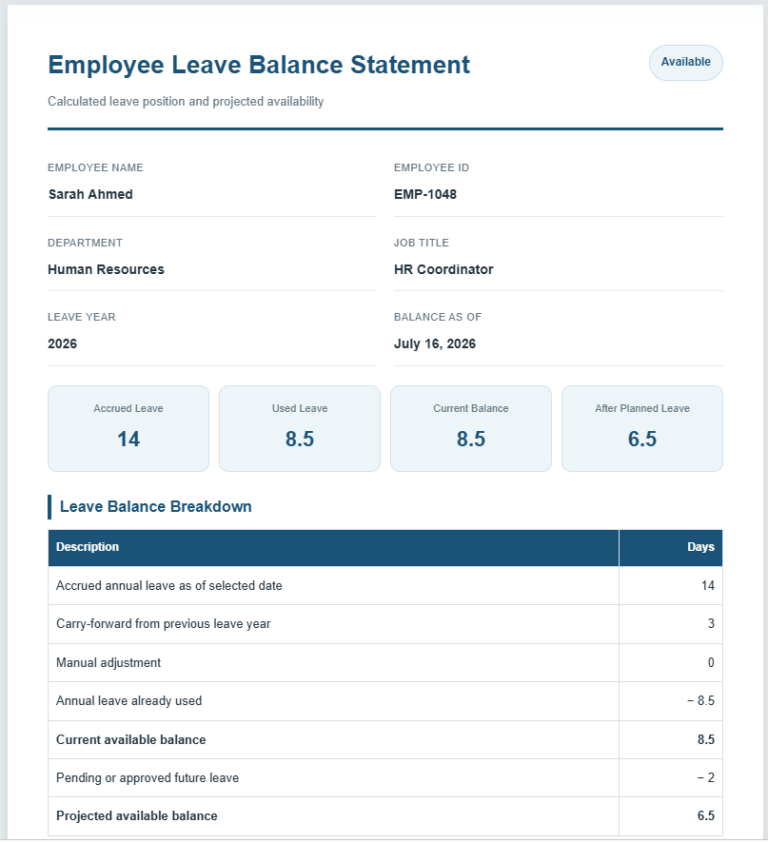
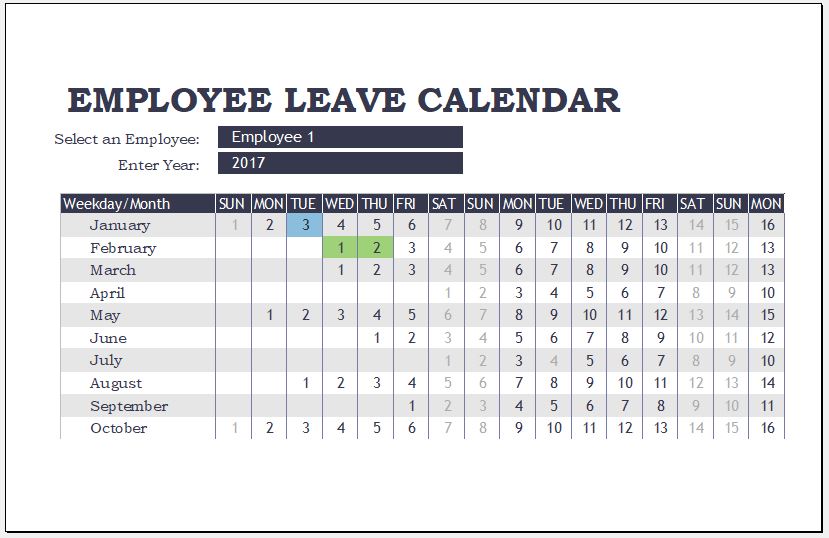
This is a tool that aids a manager or concerned individual in tracking employee annual leave along with absences. Managers, employees as well as human resource personnel can keep track of leaves with this.
What does an employee leave planner do?
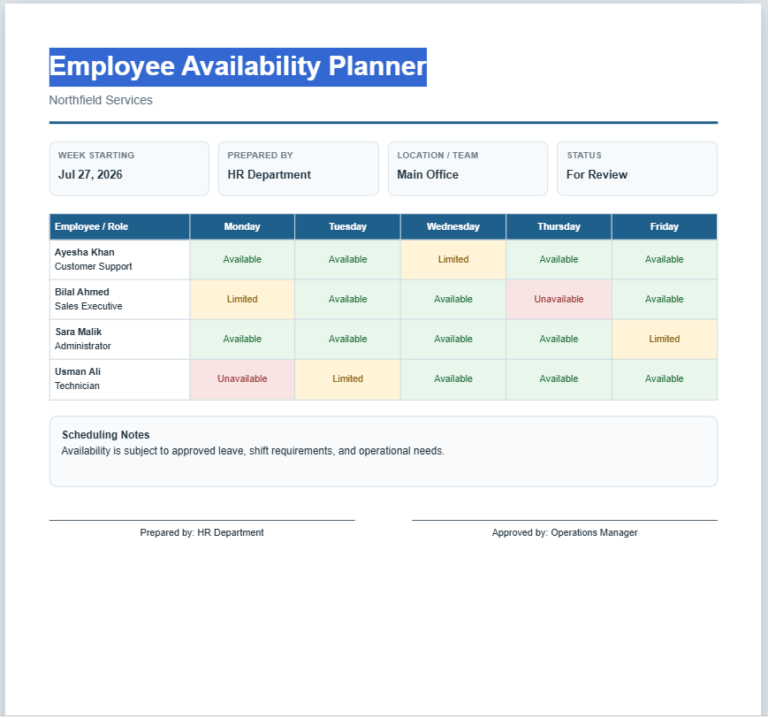
The leave planner aims to note any absences that an employee has so that the boss can know which employees are taking more absences than needed. The leave planner can record when an employee needs to be absent so that the manager will be able to handle his/her absence effectively without impacting work in the company. The employee’s work can be done by someone else during his/her absence for instance.
Employee Leave Planner
Plan, review, and print employee leave schedules with automatic day totals and a clean A4 preview.
Planner Details
Organization Information
Leave Entries
Notes and Approval
Live Preview
Employee Leave Planner
| Employee | Department | Leave Type | Start Date | End Date | Days | Status | Coverage |
|---|
Frequently Asked Questions
What is an Employee Leave Planner?
Who can use this leave planning tool?
How are leave days calculated?
Can I add multiple employees?
Does the planner support approval status?
Can the completed planner be printed?
Does it work on mobile devices?
Is employee data saved automatically?
How to create an employee leave planner:
It is important to make the employee leave planner so that those who need to use it can fill it in and use it properly. The below points can be kept in mind when making it:
Select application:
You need to select the correct application which will let you make the employee leave planner in. Microsoft Excel can be used here so that you can record details of leave professionally.
Format:
The leave planner is for a professional setting so it should have a formal format. Include a heading on the document like “Employee Leave Planner for …” and you can include what year or month it is for. You must not add details that are unnecessary on the leave planner because this will make it look unprofessional and the person who needs to fill it in and even read it will feel annoyed. Therefore be precise and only include the information that is needed.
Include details in the table:
Make a table where you can add the important information. You will have a column for the name of the employee. Under this, you can write the names of the different employees in different rows. You can then have different columns that record the different leaves that the employee may take.
There can be a column for vacation, sick, casual, or other. Under these columns, you will state how many days the employee was on the type of leave. A column for the total can be included as well. This will help the reader know the total number of days the employee was on leave.
Importance of an employee leave planner:
The employee leave planner is important because it helps the manager or boss identify any employee leave patterns. You can know if there is a specific time of the year when there are more absences. You will even be able to find out if there is a certain type of leave that is more popular than others. When a company knows about these patterns, it can take steps to make better absence policies.
For instance, if you see that absences are more when the holidays are approaching, you can offer your employees extra paid time if they work during this period. With this planner, you can plan workloads along with schedules. It is frustrating for the manager to decide who will cover for those who are absent. The planner will help you know who will be present at work at the time that another employee is on leave.
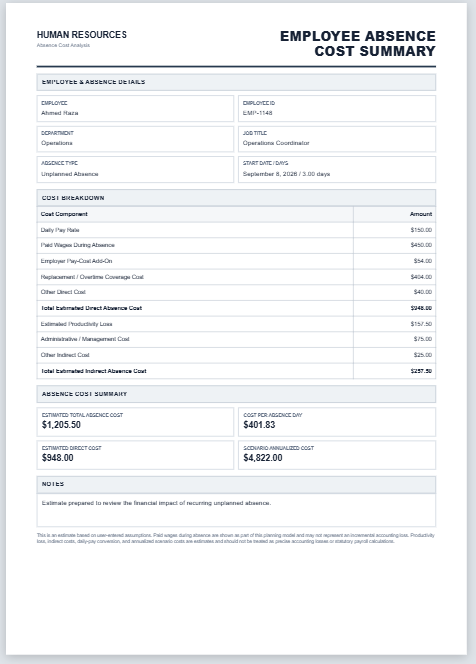
You will therefore be able to schedule and allot their work accordingly. Absenteeism can result in more costs for a business because they may have to pay other workers who are working for the absent employees. The leave planner can help the boss know which employees are causing problems by being on leave for many days so they can approach them accordingly.
File: Excel (.xls)
- Employee Turnover Cost Calculator
- Employee Absence Cost Calculator
- Employee Overtime Cost Calculator
- Employee Compensation Comparison Calculator
- Employee Cost to Company (CTC) Calculator
- Employee Salary Revision & Increment Calculator
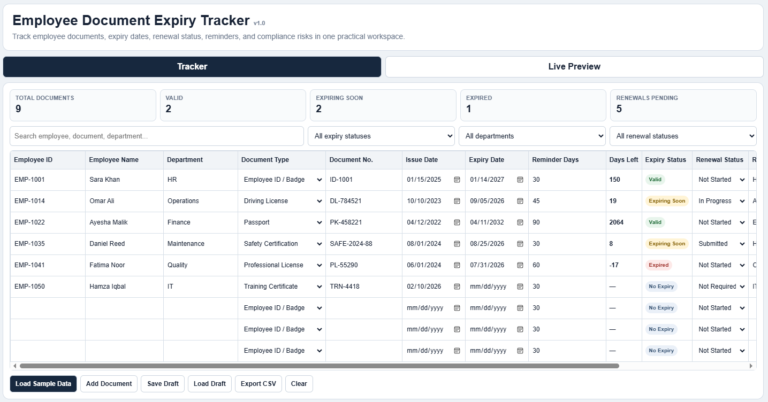
- Employee Document Expiry Tracker
- Stock Transfer Register
- Quotation Register
- Customer Order Tracker
- AI Spreadsheet Builder
- AI Form Builder
- AI SOP Generator
- AI Business Document Generator
- Character Reference Letter Generator