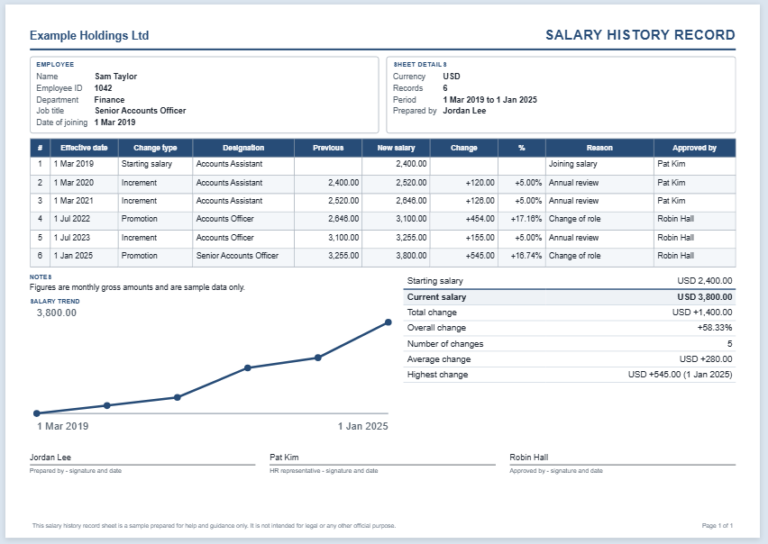
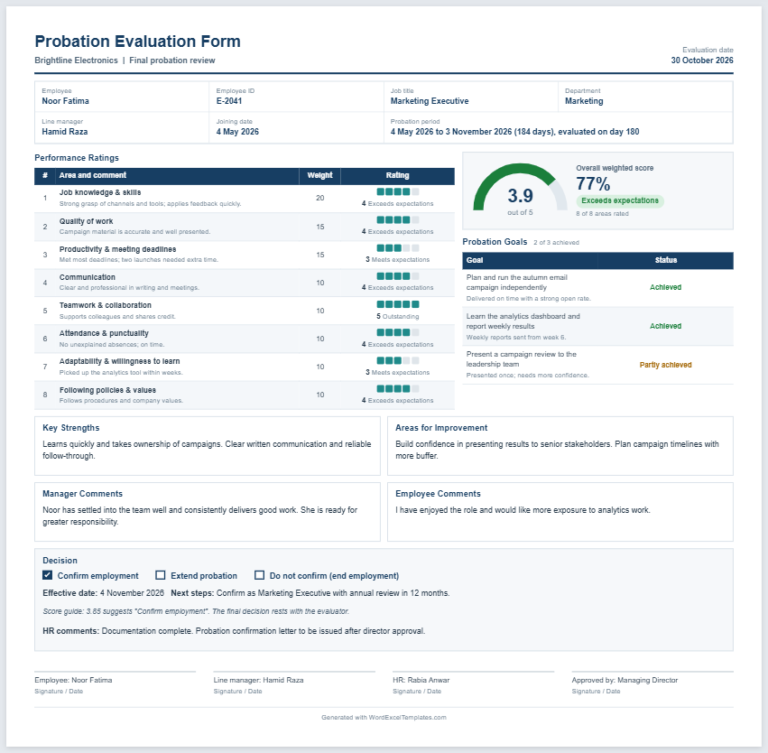
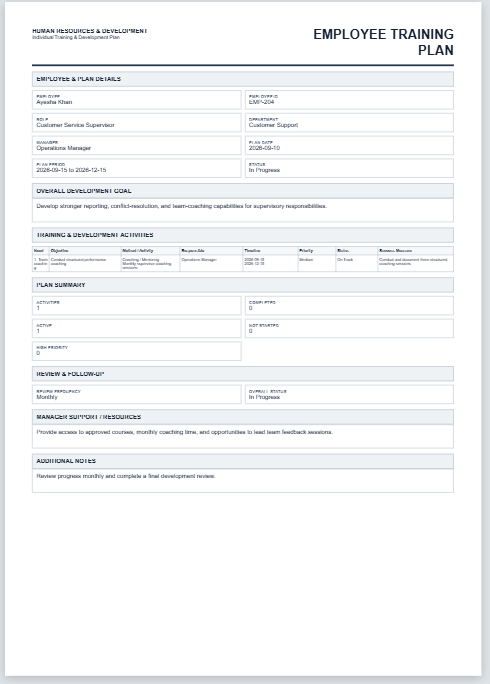
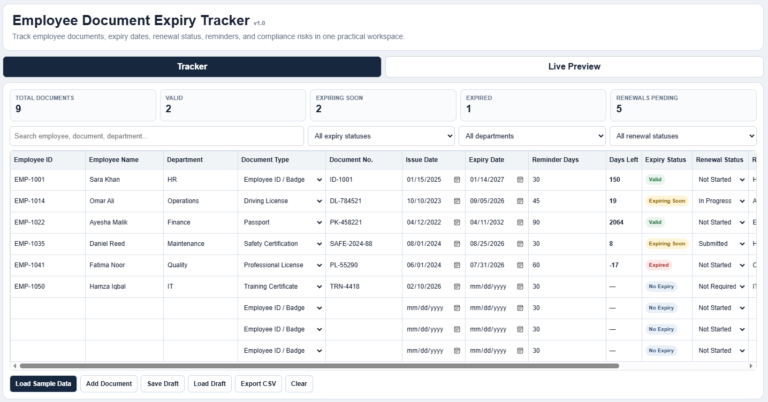
To help your team work effectively, it is important to assess performance. Identifying employees’ existing strengths and development needs helps you plan meaningful improvements. Regular performance reviews support this process.
Having a structured system allows you to identify what is working well and where employees may need additional guidance or support. An employee performance review sheet provides a consistent format for recording these findings and discussing next steps.
What is an employee performance review sheet?
This sheet is used to systematically record and evaluate an employee’s performance. The information captured helps managers and other authorized reviewers assess a team member’s strengths, achievements, and areas for improvement. The review process may vary depending on the performance criteria being measured.
The sheet typically uses predefined criteria and a clearly explained rating system. It also helps track progress toward individual and organizational goals by recording how effectively the employee performs their duties.
(Use the following tool to prepare a sample sheet for you.)
Employee Performance Review Sheet
Evaluate performance, document evidence, and agree on development goals.
Employee & Review Details
Performance Criteria
Score each criterion from 1 (Needs Improvement) to 5 (Excellent). Weight is used for the weighted average.
Goals & Development
Final Review & Sign-Off
How to Create an Effective Performance Review Sheet?
An employee performance review sheet may vary depending on the organization and the responsibilities of the role being assessed. However, the following points can help you structure it effectively.
Professional format:
The sheet should have a clean, professional layout that is easy to use. A clear heading, such as “Employee Performance Review,” makes it identifiable. Use separate sections for employee details, performance ratings, feedback, and development goals.
Employee Information
Include essential details such as the employee’s name, ID, job title, department, review period, and review date. Also include the reviewer’s name and job title.
Performance Table
Use a table to assess key areas of employee performance. The rows can represent criteria such as job knowledge, work quality, productivity, communication, and dependability. Choose criteria relevant to the role and define what each rating means.
The columns can provide a rating scale, for example: 1 = Needs Significant Improvement, 2 = Needs Improvement, 3 = Meets Expectations, 4 = Exceeds Expectations, and 5 = Outstanding.
The table should also include space for:
- Overall Rating: A summary assessment based on the criteria and any agreed weighting.
- Comments: Specific examples supporting the ratings, along with constructive feedback and suggestions.
- Development Goals: Agreed actions, available support, target dates, and follow-up arrangements.
- Employee Feedback: The employee’s perspective, achievements, concerns, or support needs.
Keep it focused:
Ensure the sheet contains only relevant information. Avoid unnecessary fields that could make it complicated or difficult to complete. A focused layout makes it more practical for both reviewers and employees.
Importance of an Employee Performance Review Sheet
An employee performance review sheet helps managers assess contributions, recognize achievements, and identify development opportunities. Using consistent criteria and specific examples makes feedback clearer and gives employees a practical basis for improvement.
Using the Completed Review
The sheet provides a record of the assessment and the feedback discussed. Its usefulness depends on accurate entries, relevant evidence, and a fair review process. Keep completed reviews confidential and accessible only to authorized personnel.
Use the review as the basis for a two-way conversation about performance expectations, challenges, and future goals. Agree on realistic next steps and review progress regularly so employees understand what is expected and what support is available.

Size 35 KB

File: Word (.docx)
Size 35 KB